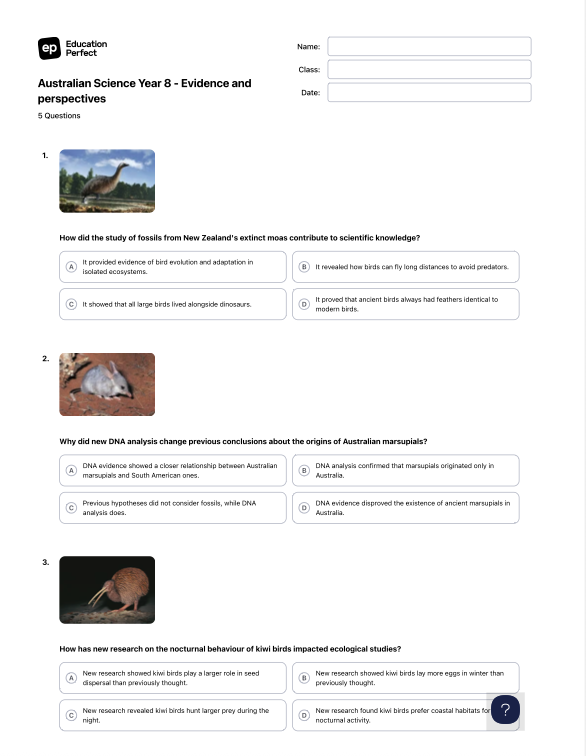
Using Printables in EP Create
Once you have built your EP Create activity, you can choose to assign digitally, or generate a PDF and print directly from your workspace.
- Navigate to the specific activity you wish to print.
-
Click the Print button found within the editor toolbar.
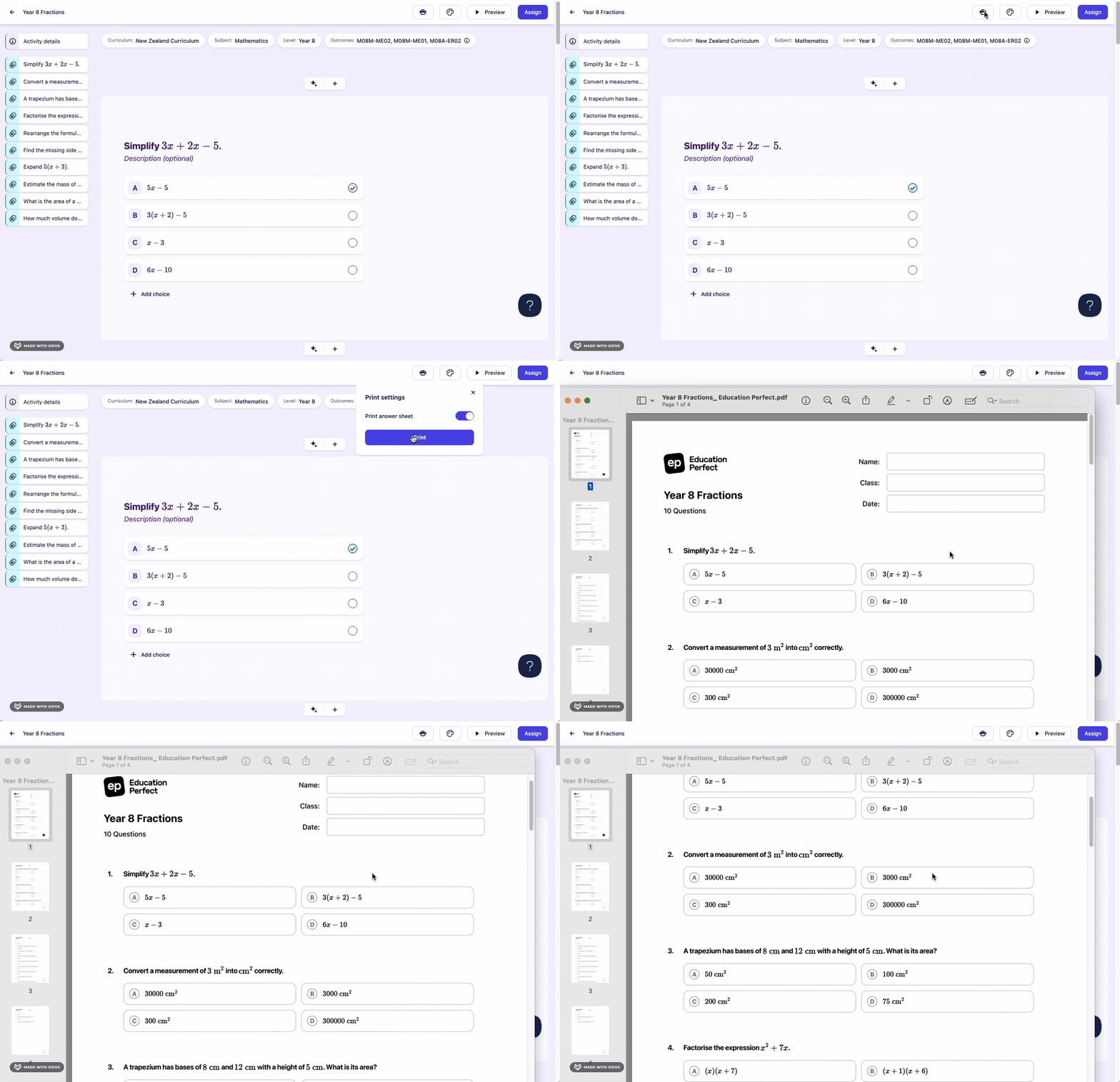
- In the print dialogue box you can choose to generate an answer sheet. Simply toggle off is this isn't required.
-
Select Print option to save as PDF for digital distribution or select your printer for an immediate hard copy.